

All features
Everything for the whole real estate lifecycle in one system
15 groups, 90+ features sharing one dataset and one permission model — from launch and transactions to building operations. Switch on what you need, add more as you grow.
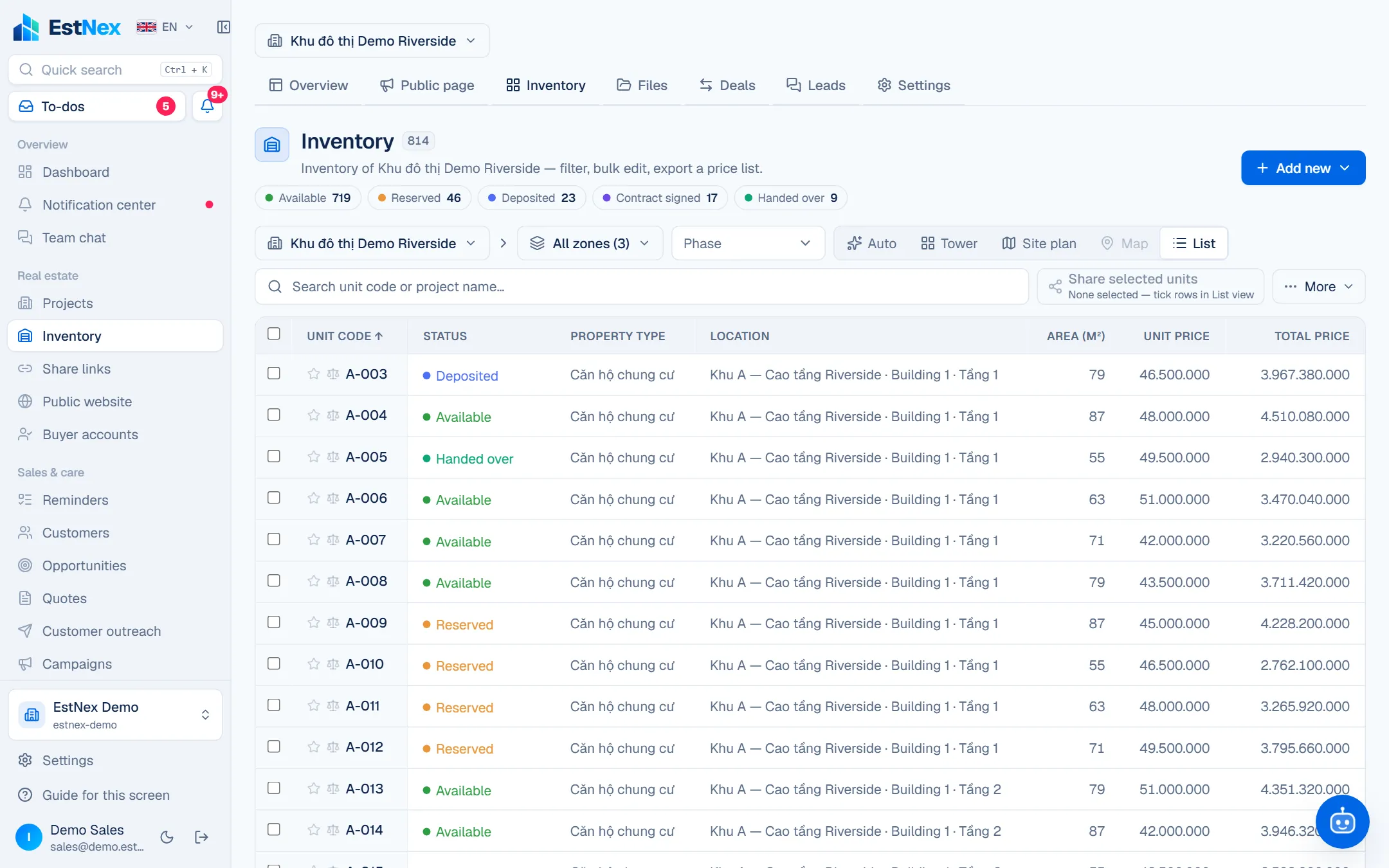
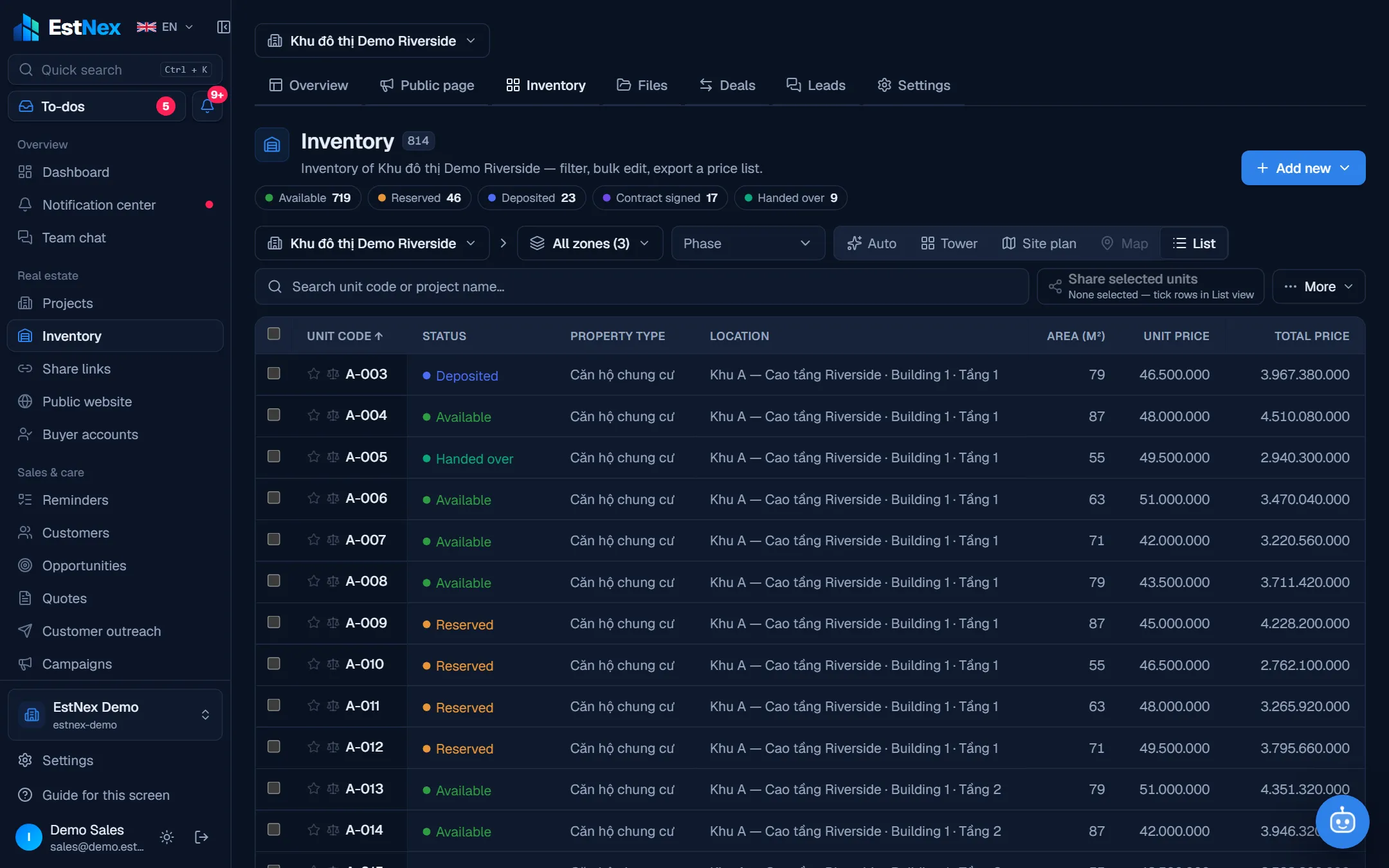
Projects & Inventory
High-rise, low-rise, plots, maps
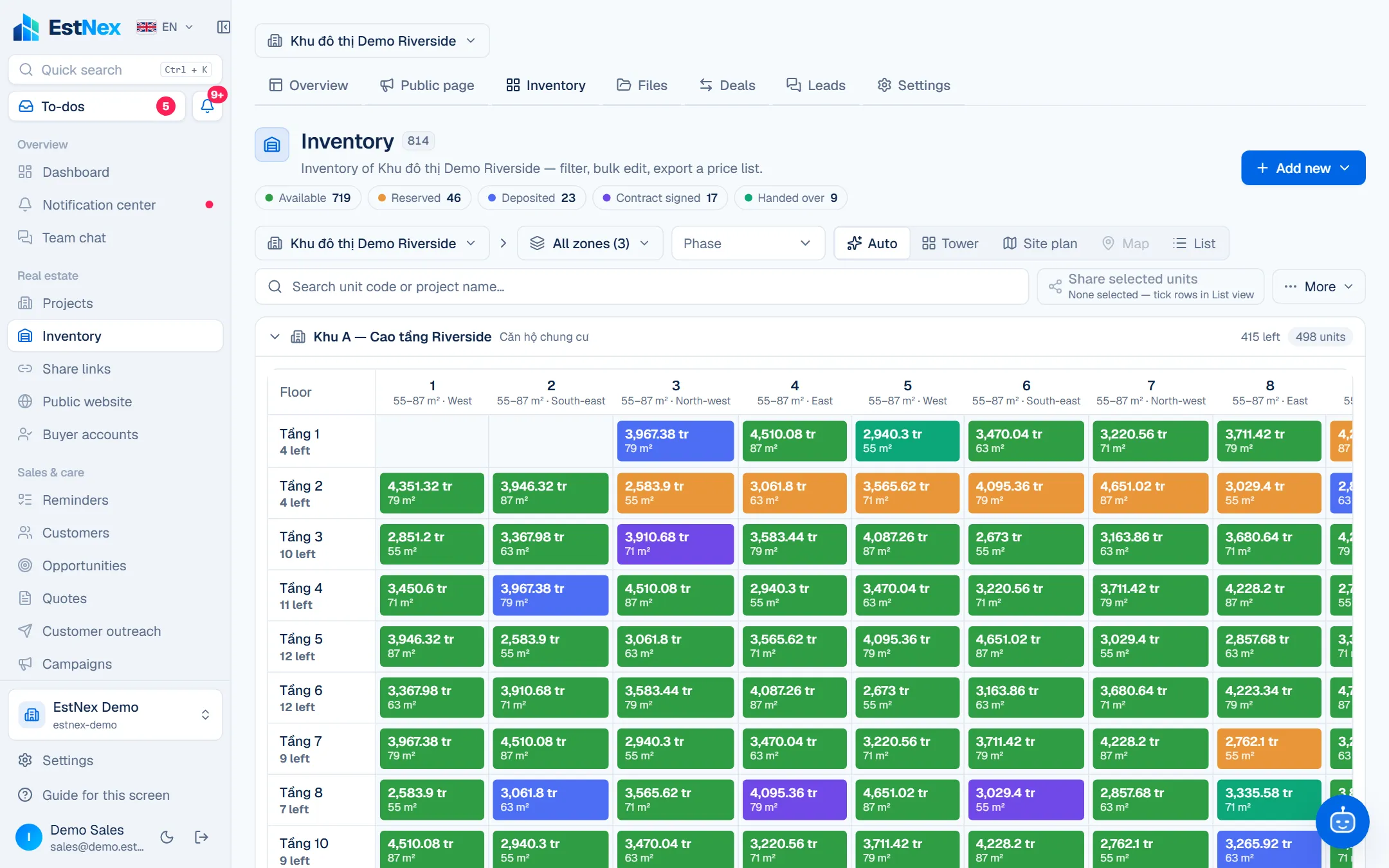
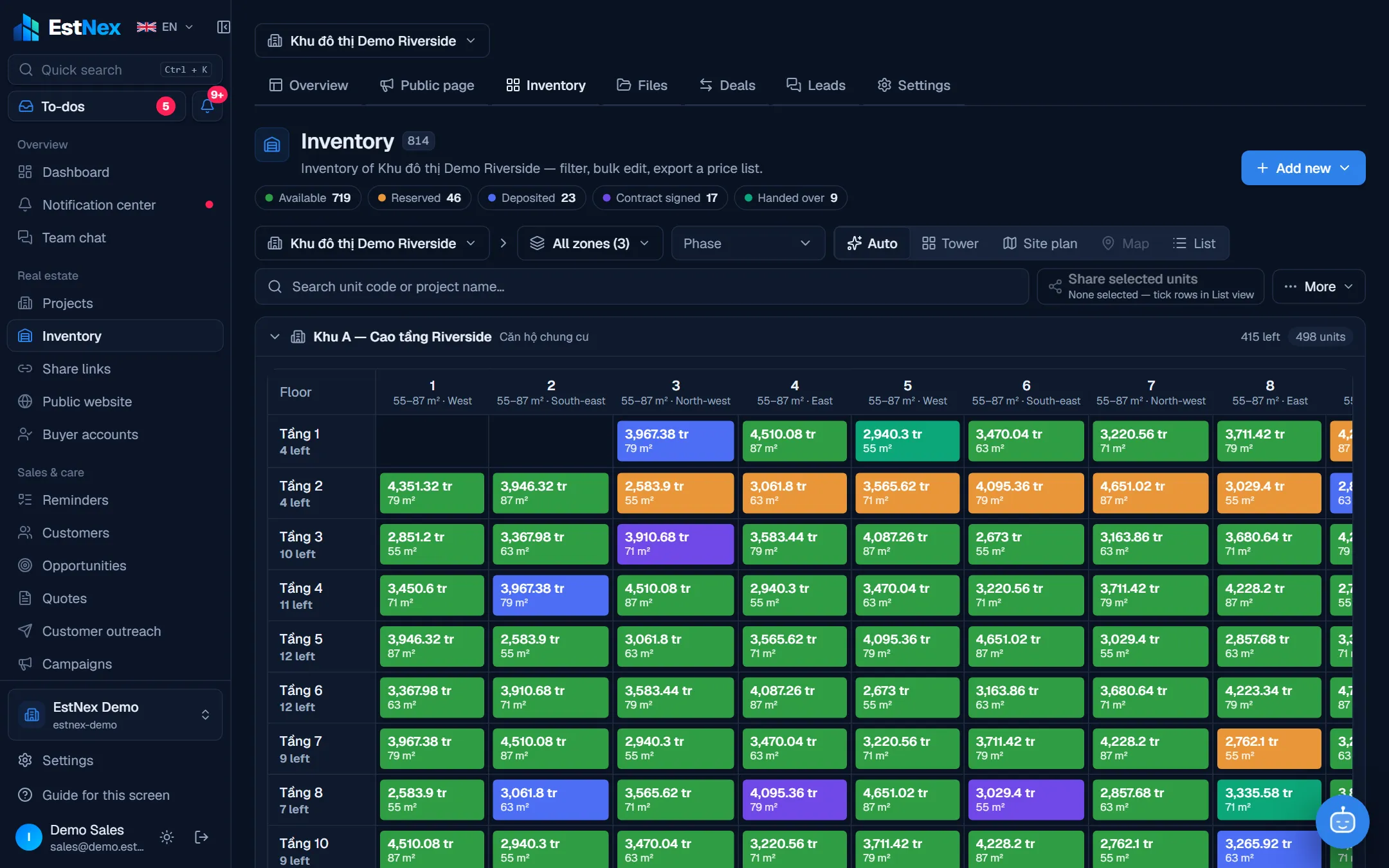
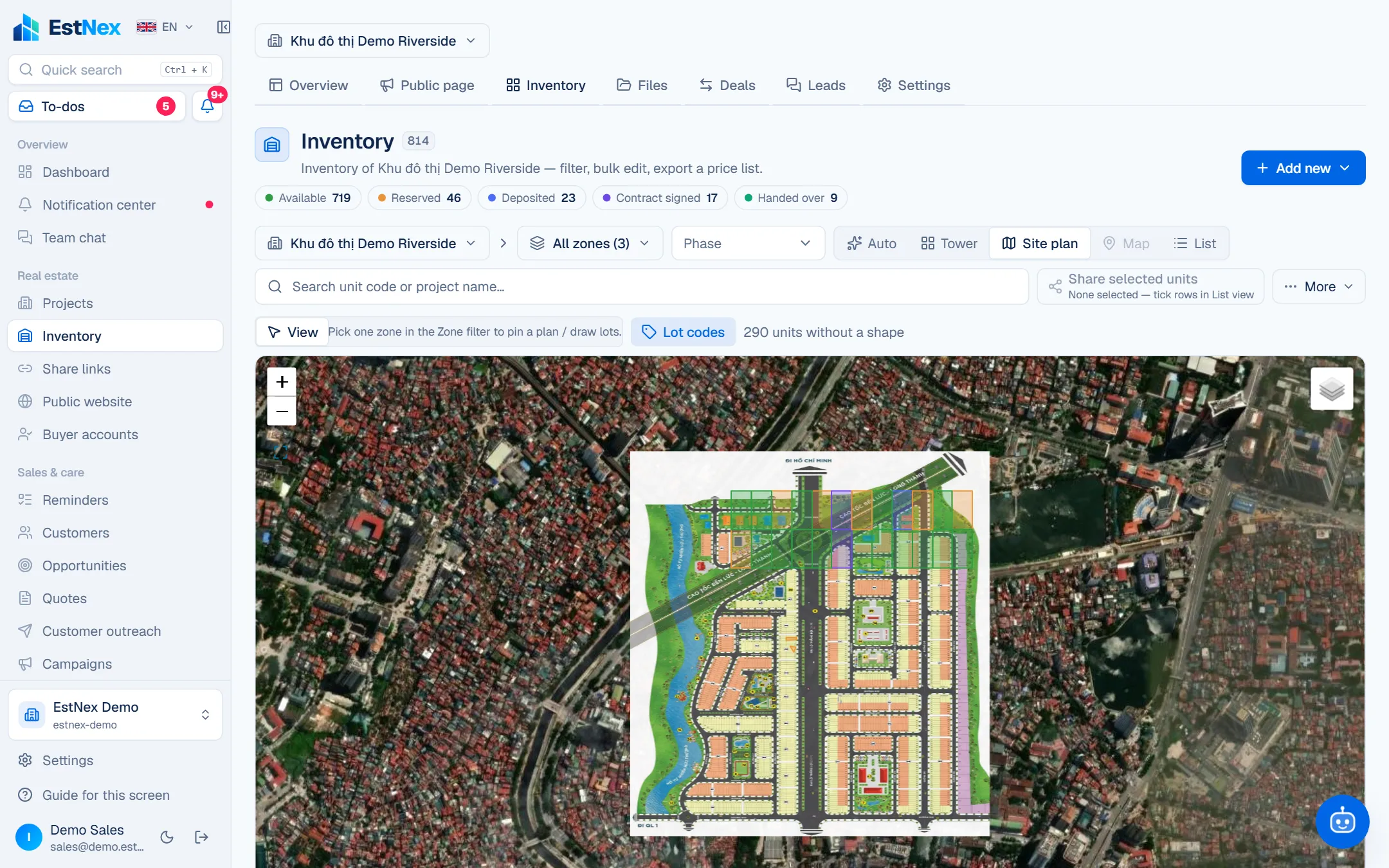
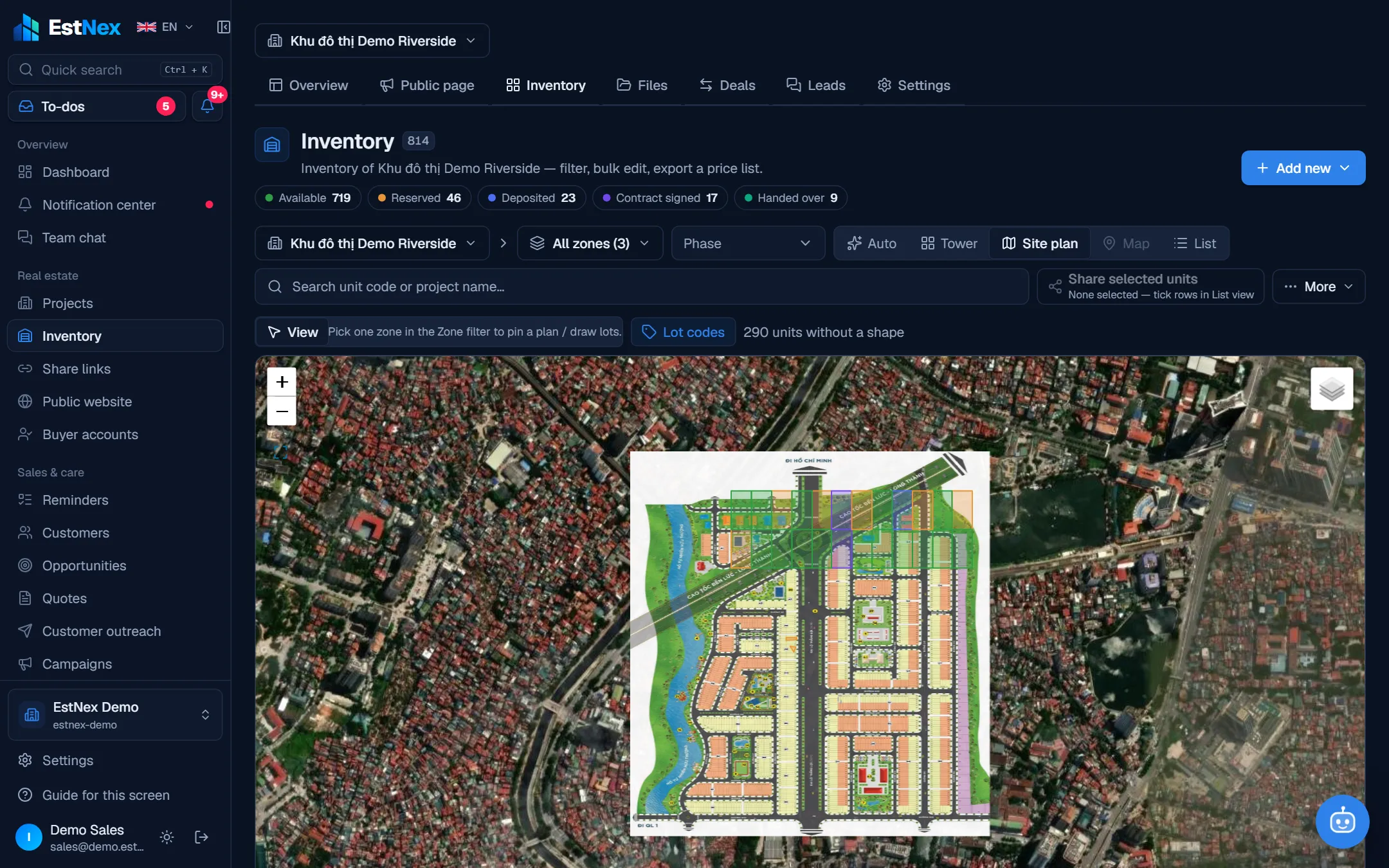
5 inventory views
Auto, floor × unit grid, plot plan over satellite imagery, coordinate map, list.
Live unit status
A hold recolours every screen instantly, with a ticker of status changes.
Filters & saved views
By zone, price, area, bedrooms, status, favourites / featured; copy a link to the current view.
Bulk edit
Change status, demand, flags; reprice by %, set VAT / discounts — with preview.
Compare 2–4 units
Comparison basket, show differences only.
Excel / Google Sheet import
Column matching, validation, 7-day undo, template from your setup.
Structure & custom fields
Zone → tower → floor, sale rounds, status catalogue and custom fields per property type.
Project files
Photos, videos, files, links — labels, filters, cover image, drag to reorder.
Project showcase page
Banner, gallery, map, amenities; share publicly / by password / by email.
Customers & Opportunities
Profiles, pipeline, reminders
Customer profiles
Individuals / companies, labels, source, owner, documents, related people, care history.
Unit suggestions by need
Record what the customer wants; matching available units are suggested.
Kanban opportunities
Drag through custom stages; pipeline value, forecast, win rate.
Reminders
Overdue / today / this week; mark done; pushed to your phone.
Import & merge duplicates
Excel / CSV import, merge by phone / email keeping all history.
Data visibility
Reps see their customers, leads see the team, directors see everything.
Quotes & Policies
Quotes, sales policies, price sheets
Multi-unit quotes
Draft → review → sent; expiring links that show when opened; print / PDF.
Threshold-based quote approval
Always, only above a discount threshold, or never.
Sales policies
Discounts, payment-method incentives, payment schedules; approved before use.
Price sheets
Tick deductions and see the numbers with explanations, rounding, cumulative instalments; share by link.
Transactions & Approvals
Holds, deposits, contracts, Waiting for me
Holds & queue
Held units lock; several people can queue and move up automatically.
Your own deal workflow
Draw the steps (hold → deposit → contract → handover), branch by property type.
Documents & templates
Step documents, attachments, auto-filled templates; PDF / Word export, print.
Waiting for me
One inbox for everything awaiting you; approve / return / reject from your phone.
Multi-level approval rules
By amount, discount %, department, title; parallel sign-off; no self-approval.
SLAs & delegation
Reminders, escalation, auto-reject when overdue; time-boxed delegation.
Addenda & co-owners
Price / schedule addenda with approval; co-owners on a deal.
Deal Kanban
Drag by step, reassign owners in bulk, export to Excel.
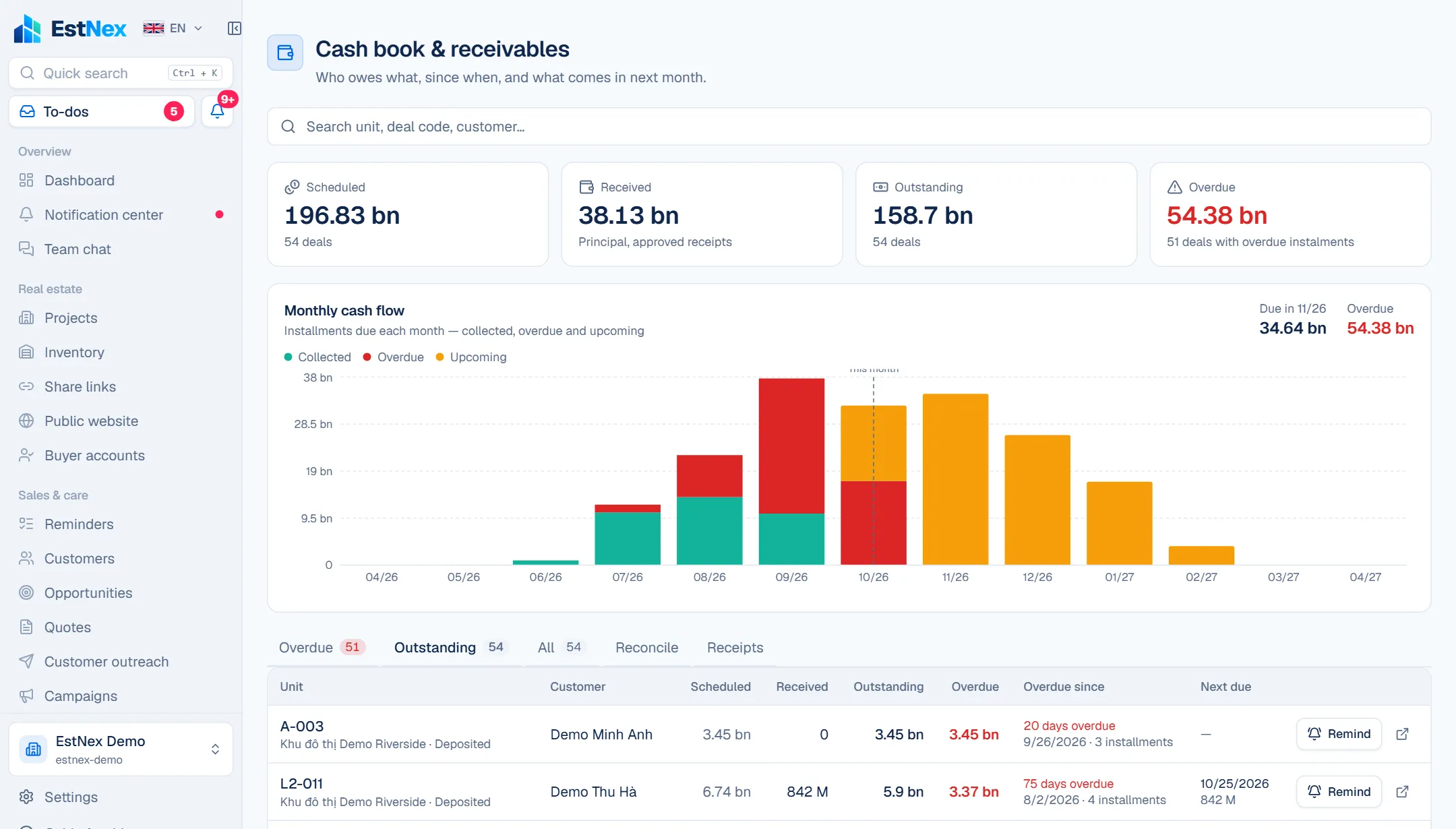
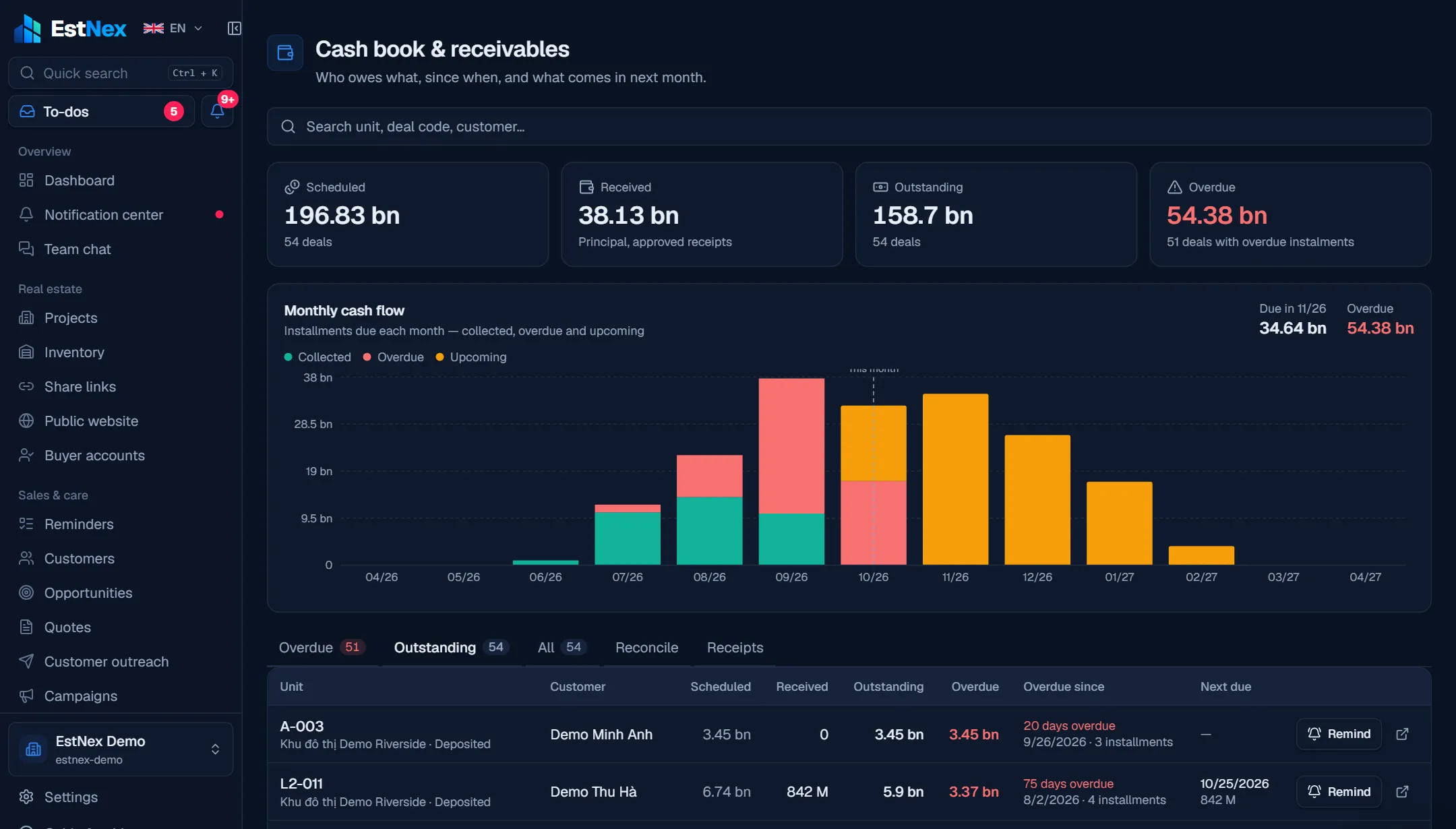
Cash book & receivables
Schedules, receipts, reconciliation
Receivables per deal
Scheduled, collected, outstanding, overdue since when, next instalment.
VietQR per instalment
A payment page for customers: QR, copy buttons, save the code.
Receipts with approval
Create, approve and print receipts; accounting journal export.
Automatic bank reconciliation
Incoming payments (SePay / Casso) match the right instalment and draft a receipt.
Collection reminders
Reminder emails with a QR link; the AI flags due / overdue instalments.
Monthly cash flow
Collected, overdue, upcoming — what comes in next month.
Reaching customers
Share links, messages, campaigns
Unit basket share links
Public / password / email / internal, expiry, QR; open counts, 'interested' becomes a lead.
Customer outreach
Email sent automatically; Zalo / SMS drafted from templates; recurring schedules.
Automation rules
New customer, stage change, quote opened / approved, deal step — send automatically.
Multi-step campaigns
Audience by filter, pause / resume, per-step reports.
Lead inbox
Leads from project pages, share links, websites — convert in one click.
Website & buyers
Build your site, sell online
Website builder
Toggle blocks, themes, colours; no coding, no external tools.
Custom domain & SEO
DNS verification, sitemap, structured data, share images.
Public inventory
Hidden, status only, or with prices — synced from Inventory.
3D site model
Built from your inventory tree, coloured by status — no 3D files needed.
Online holds + QR deposit
Launch waiting room, per-buyer caps, auto-confirmed on payment.
Buyer accounts
Buyers see their holds, deals, payment schedule and QR per instalment.
Analytics & live chat
GA4, Tag Manager, Meta / TikTok Pixel (with consent); hotline, Zalo, Messenger, embedded chat.
Self-running news
SEO blog, AI writes daily
SEO-ready news site
Topics, table of contents, FAQ, NewsArticle / FAQ structured data, RSS, sitemap, llms.txt.
AI writes on a schedule
Pick times and a keyword list — articles every day as draft / for review / published.
Editor with SEO scoring
Markdown + preview, SEO title / description, Google result preview.
Publish, schedule, unpublish
Writers send for review; only people with publish rights go live.
API keys for publishing
n8n, Zapier or another CMS can push articles in.
Post-sale operations
Handover, residents, fees, shifts, QR patrols
Unit handover
Appointments, photo checklists, opening meter readings, signatures on a tablet, PDF minutes; failed items become warranty tickets.
Units & residents
Owners, co-owners, tenants and occupants by period; vehicles and access cards; Excel import of existing lists.
Requests, incidents & warranty
Categories with resolution deadlines, warranty detected automatically, technician assignment, before / after photos and video, resident ratings.
Service fees, matched to the bank
Per m², fixed, tiered meters, per vehicle; close a period for the whole project; fee notices with QR, payments with the right code reconcile themselves.
Resident portal as an app
Residents install EstNex Residents from a QR code in the lobby: fees, QR payment, requests, push notifications when a technician picks up or resolves a request, fee reminders.
Shifts & recurring tasks
4-step setup: invite staff with role templates, tick from 74 standard tasks, roster the whole week. Shift tasks have checklists and time- and location-stamped photos / video; failed items open incidents.
QR patrols, SOS & map
QR tags at each point, routes per shift, missed rounds alert the manager; basements without signal still scan; SOS button calls the project hotline; points, scans and SOS on the operations map.
AI assistant & operations reports
Morning briefing; ask about overdue incidents, absent shifts, receivables; printable shift and daily reports; dashboard of resolution time and satisfaction.
Commercial leasing
Multi-unit contracts, rent per period, scheduled increases, deposits held in trust, renewals, early termination.
Social housing
Sale rounds, applications, draws
Rounds from templates
Eligible groups, unit types, conditional document lists, deposit / deadline / draw settings.
Application portal
Citizens sign in with an email code, declare, upload documents and track progress.
Two-person review
Check each document, request more, propose – approve by two different people.
Authority check & list lock
Record the Department of Construction check; the council locks the list with a hash.
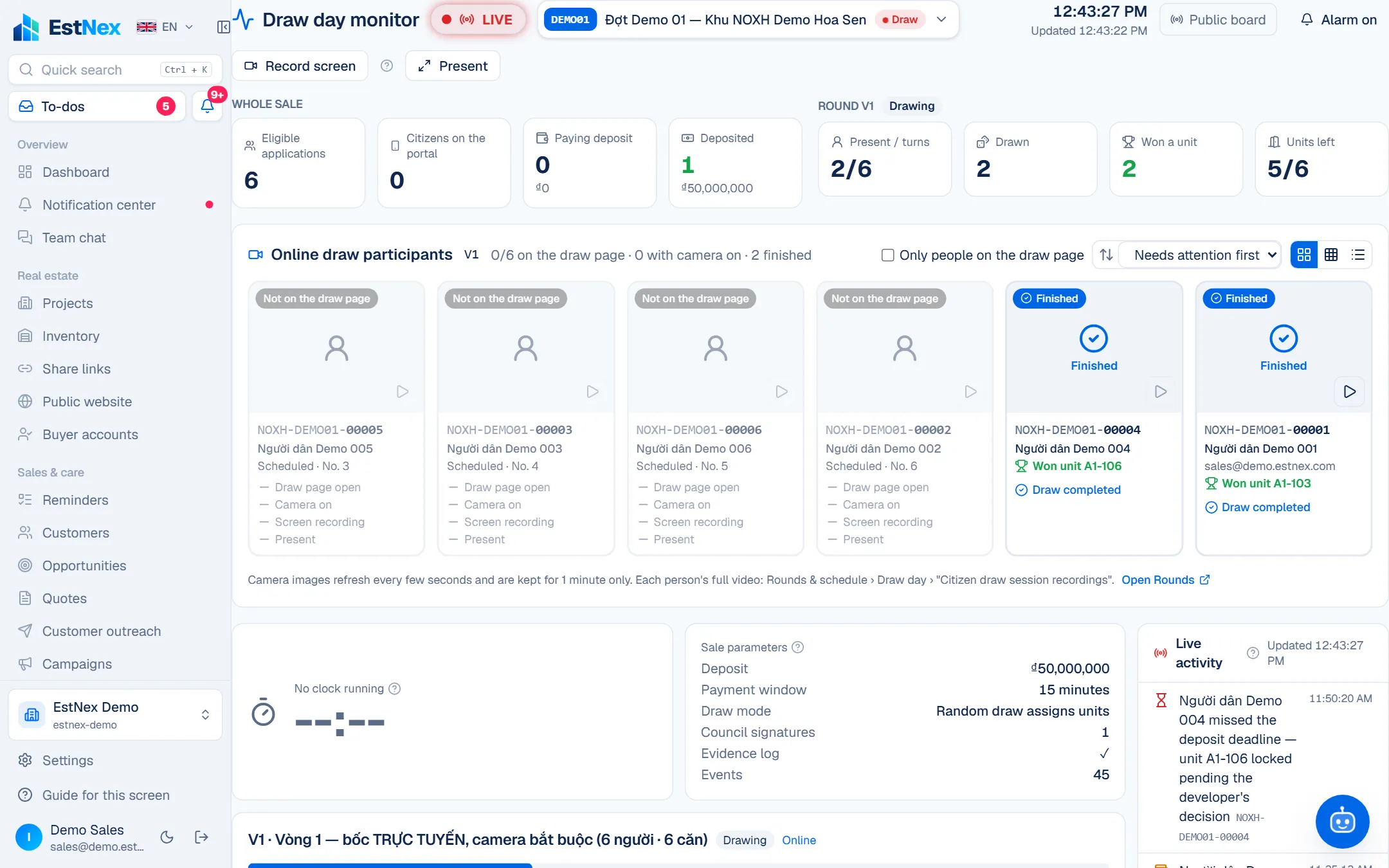
Verifiable draws
Online with cameras or in a hall; anyone can recompute the result.
Deposits & resale limits
QR auto-match, bank transfer, overdue decisions; resale restriction recorded.
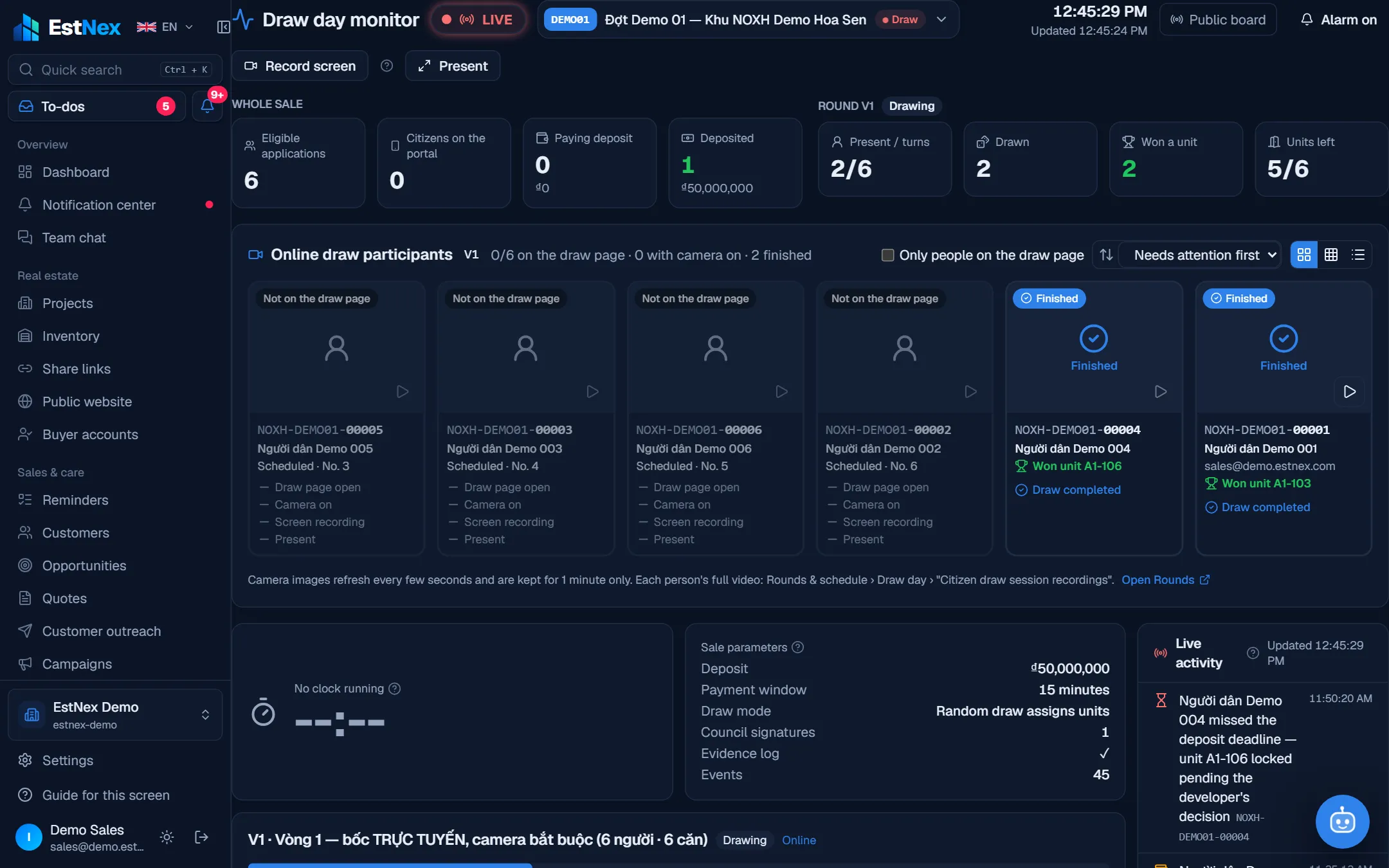
Monitoring & evidence log
Draw-day wall screen, hash-chained log, BM02 report, inspection package.
Legal basis per step
Legal provisions attached to each step, verified verbatim by legal staff.
Reports & analytics
Dashboard, KPIs, exports
Dashboard
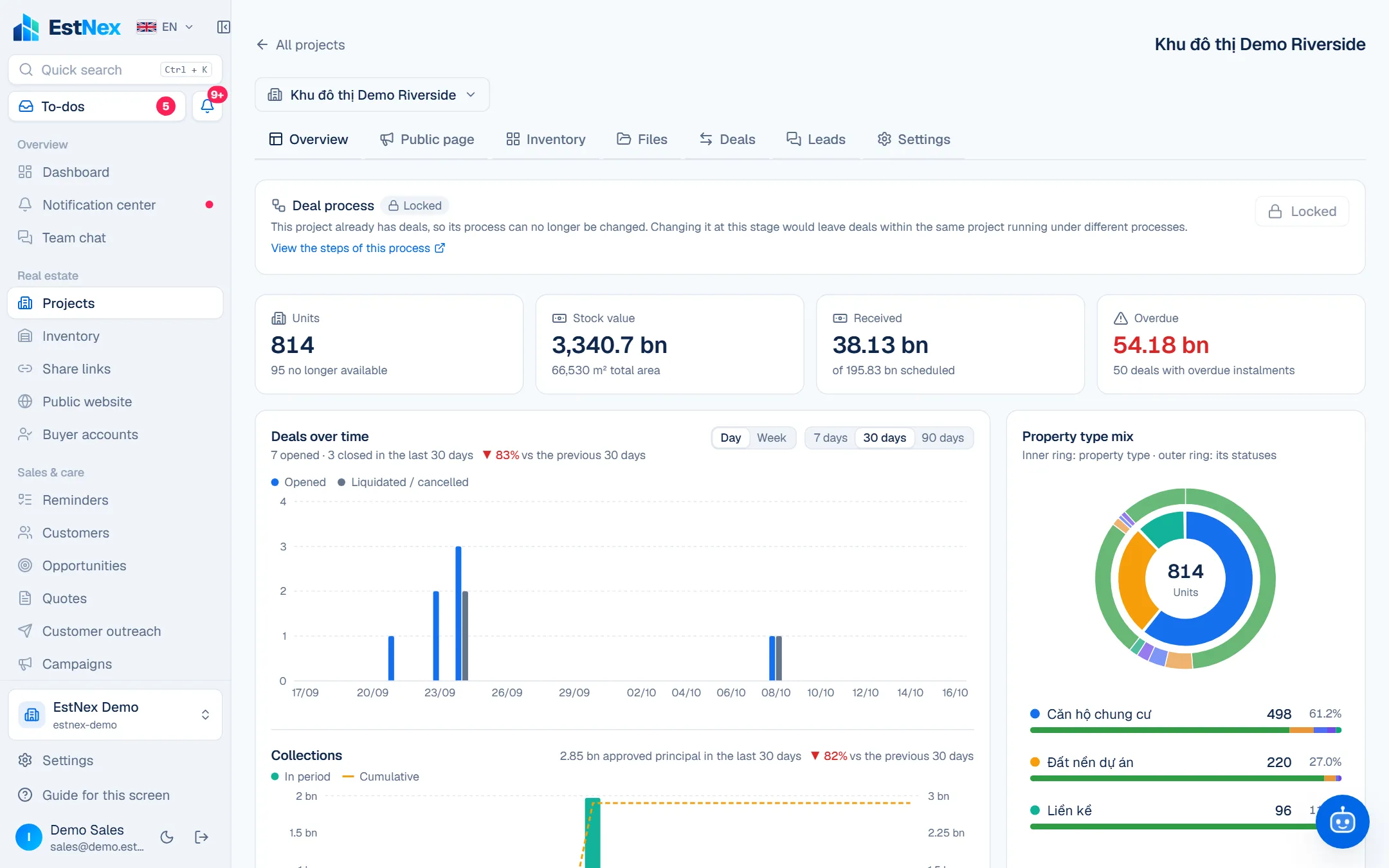
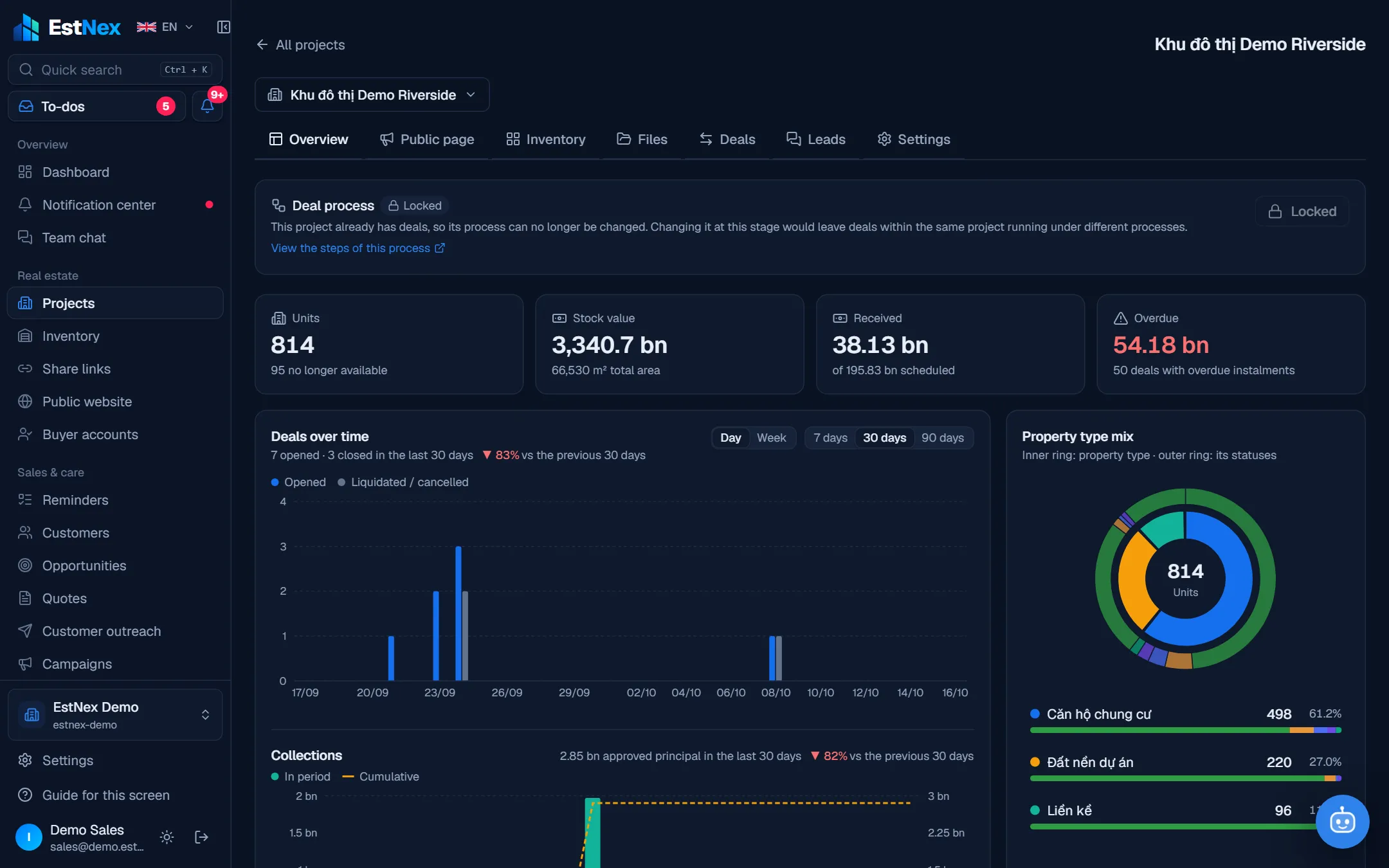
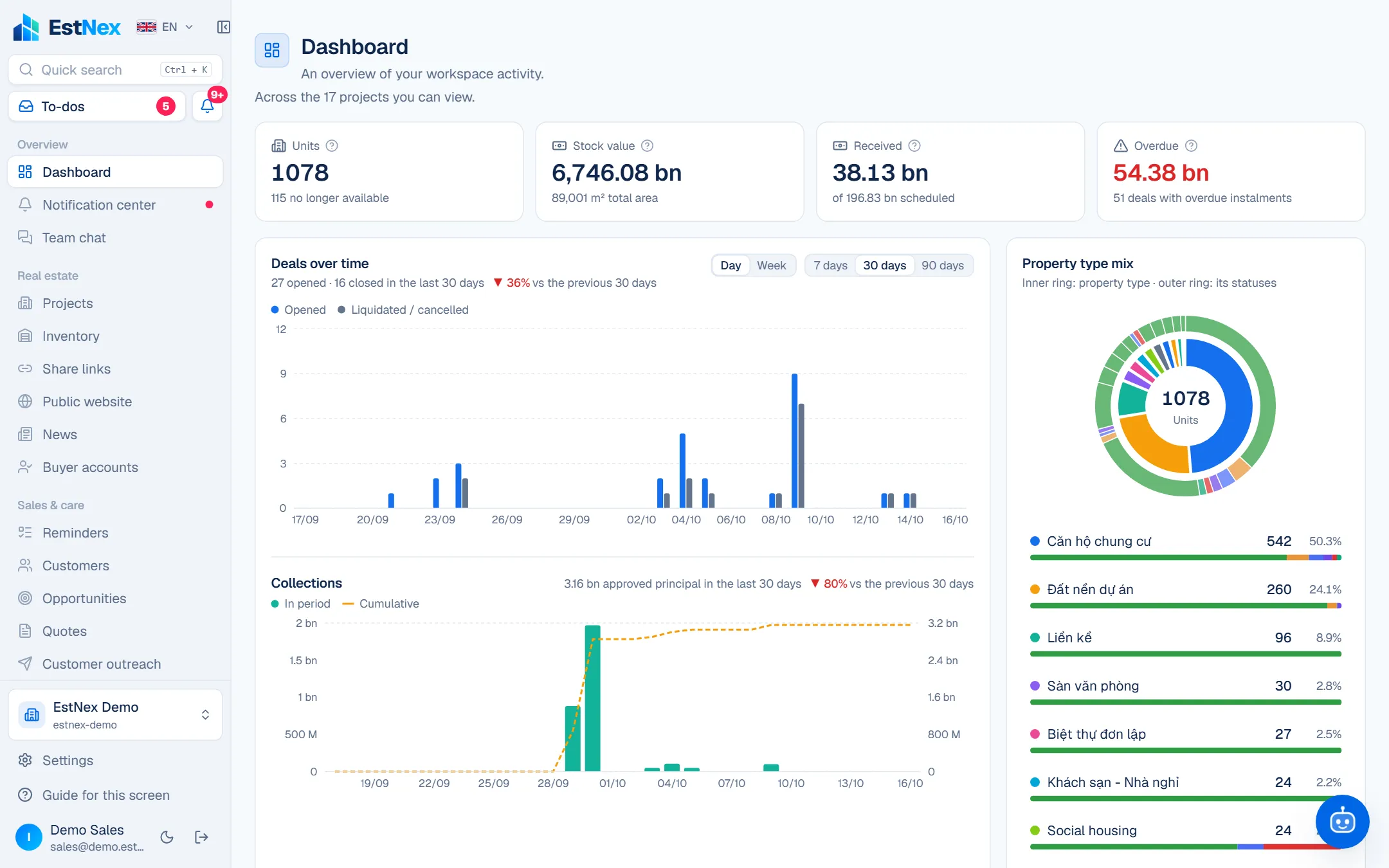
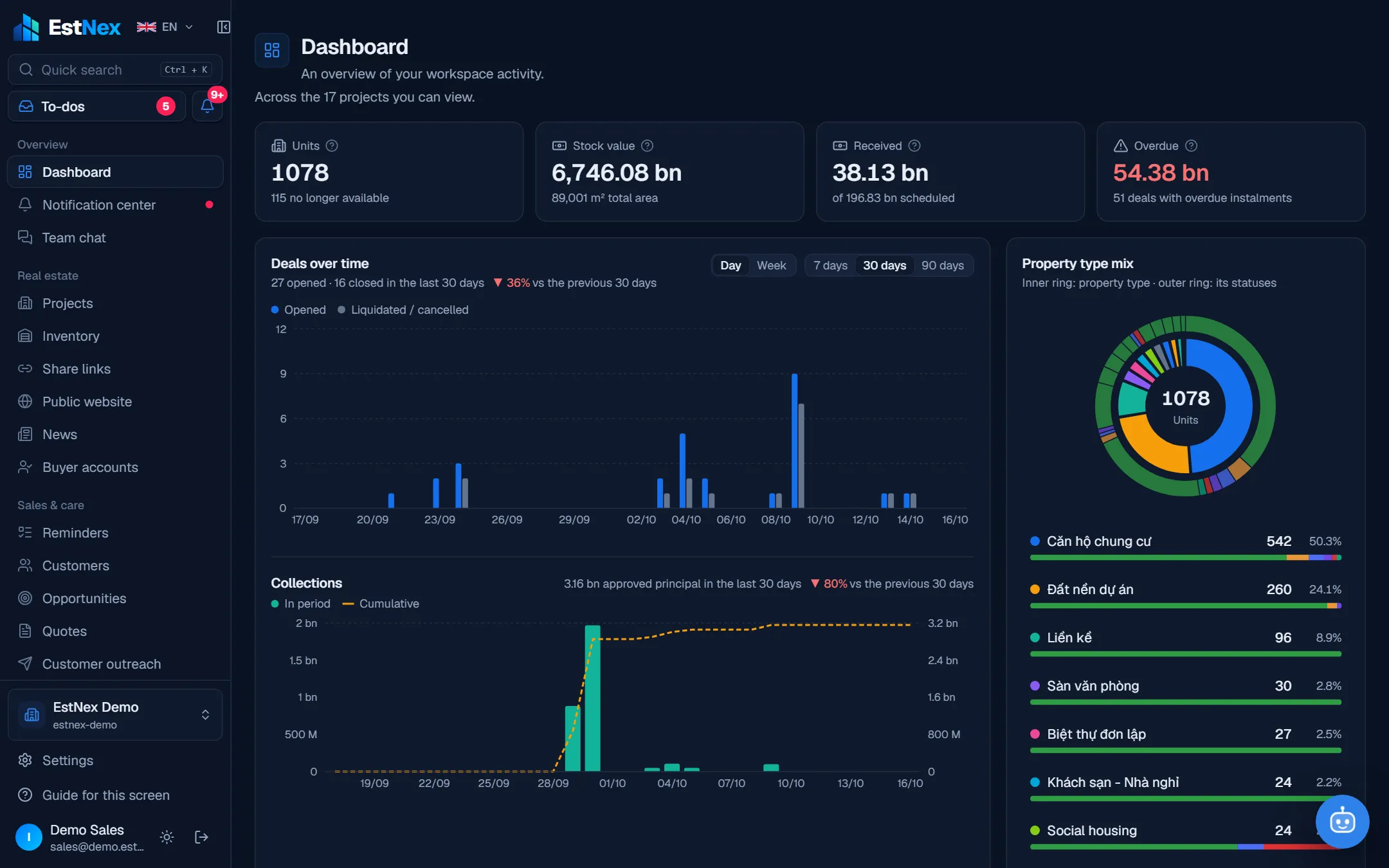
Units, inventory value, collected, overdue; deals & collections over time.
Mix & velocity
Property type × status, 90-day sales velocity, sell-out forecast.
Project comparison
Sold out, open deals, collected, overdue per project.
Sales KPIs
Pipeline, forecast, win rate; open quotes; campaign steps.
Social-housing reports
By round, by eligible group, review productivity, BM02.
Data export
Excel / CSV for inventory, deals, customers, opportunities, quotes, receipts.
AI assistant
Look-ups, reminders, busywork
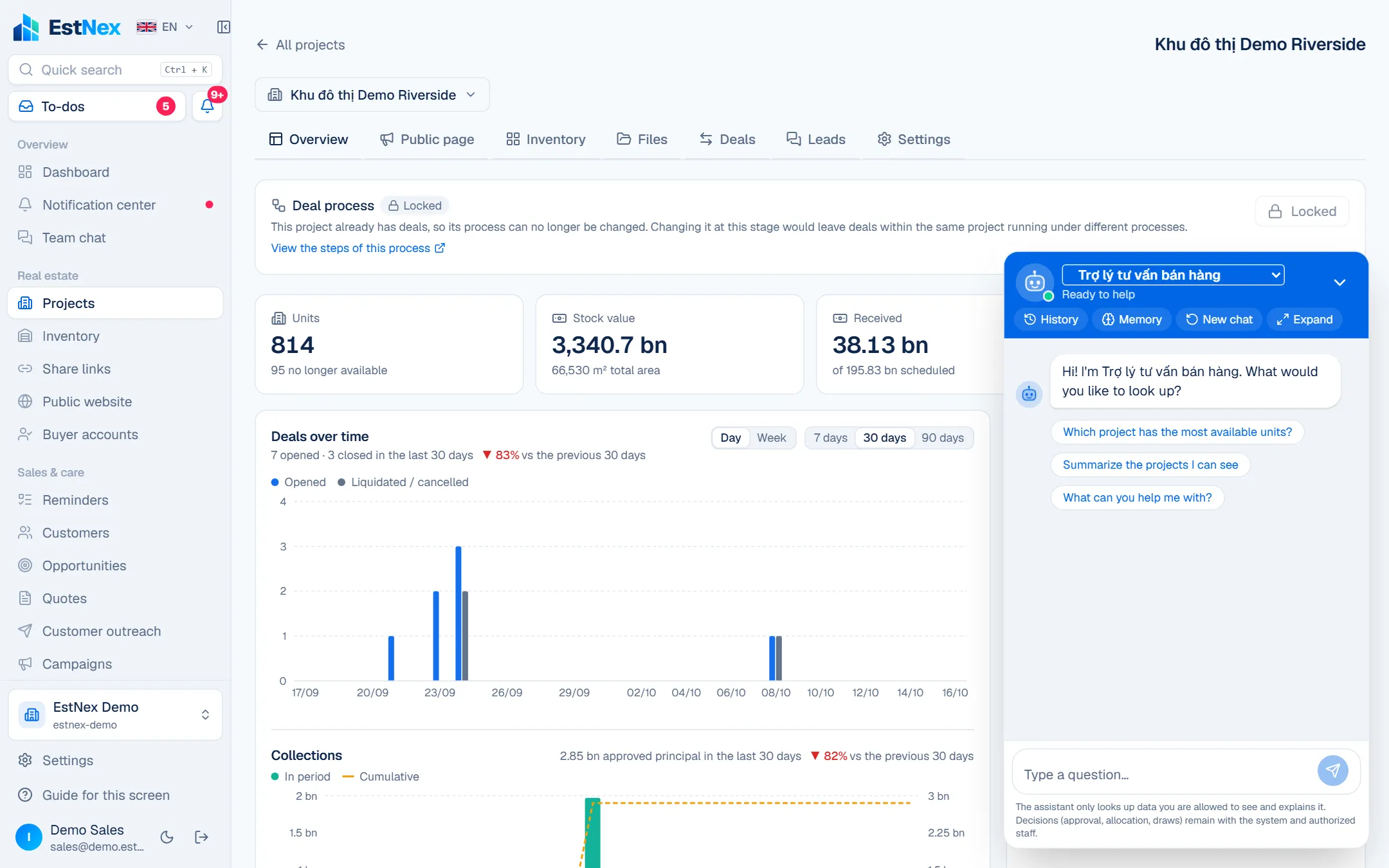
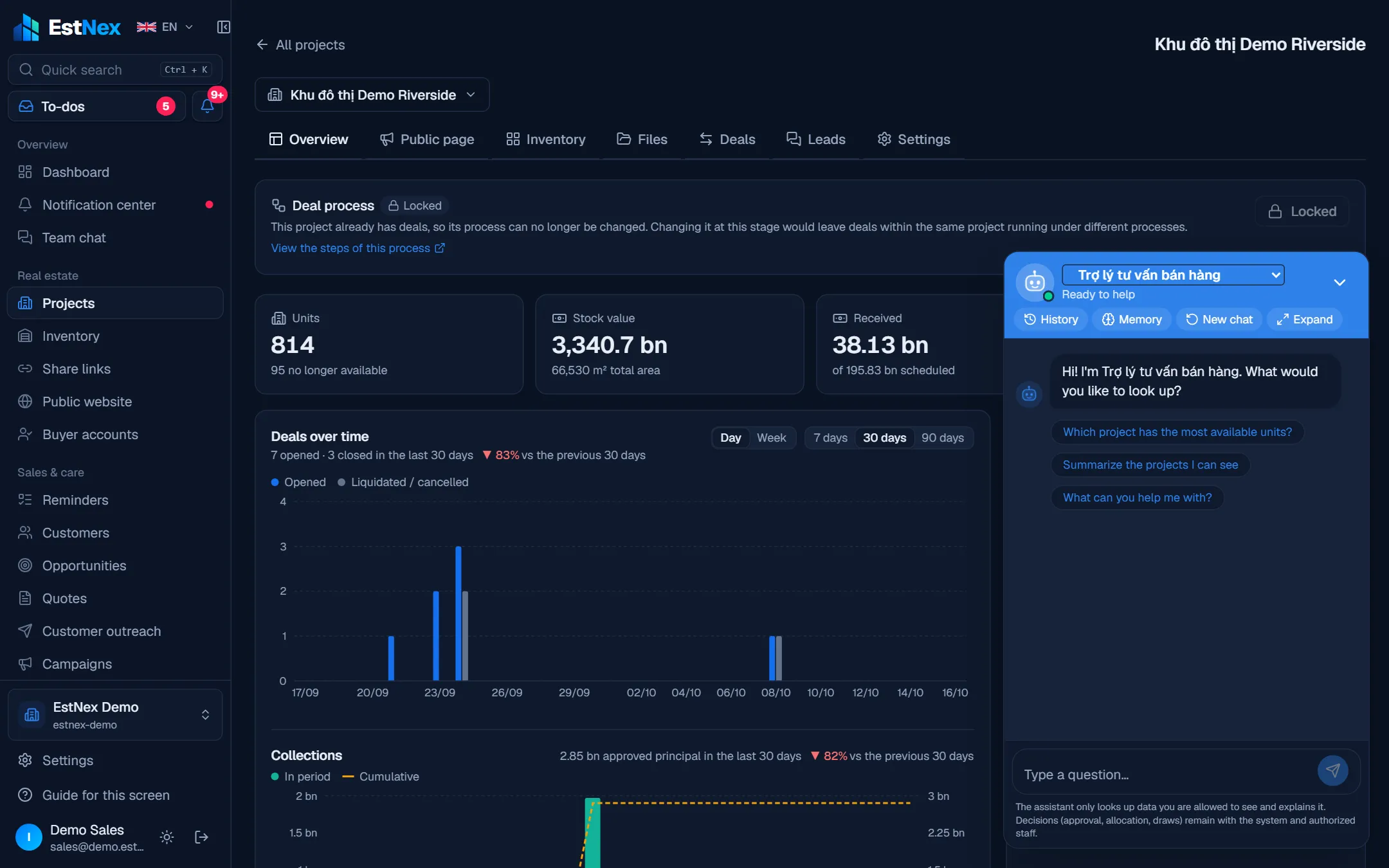
Q&A on real data
Within the asker's permissions; full screen on phones.
Briefs & proactive nudges
Due instalments, idle opportunities, overdue reviews — every morning.
Non-decision busywork
Add / edit customers, reminders, opportunities, draft messages — you confirm.
Assistant for customers & residents
On websites, buyer accounts and the social-housing portal.
Multiple AI providers
Rotating key pools, fallback order, token limits, usage reports.
Knowledge base
Q&A, rules, documents; drafts generated from project / round data.
Collaboration
Team chat, notifications, mobile
Full team chat
1-1, groups, department channels; photos, files, voice notes, polls, location, scheduled & disappearing messages.
Voice / video calls
Calls in the app, with recording where allowed.
AI in chat
Summaries, message translation, drafts, speech to text.
Notification center
Bell, email, phone push — choose channels per kind of work.
To-dos & quick search
A tray of everything awaiting you; Ctrl+K to find units, customers, documents.
Install as an app
Desktop and phone (PWA), screen lock, in-screen guides.
Admin & security
Permissions, audit, configuration
Roles & permission matrix
Preset roles, cloning, per-action permissions, project scope.
4-level data visibility
Mine / unit / branch / whole company.
Org chart
Drag-and-drop departments, titles, staff changes — used by approval rules.
Activity log
Who did what, when, before → after per field, including machine actions.
Account security
Two-factor auth, trusted devices, recovery codes, screen lock.
Your own branding
Your logo, colours and domain.
Numbering & modules
Document numbering rules; turn modules on / off per workspace.
Deployment & plans
Cloud or private server
Cloud subscription
Start now, monthly / yearly, renew by QR, invoices.
Private server
Same software, data stays in your company.
Data isolation
Each company isolated at the database level; personal IDs encrypted.
Multiple workspaces
One account across companies / projects, switch any time.
Bilingual, light / dark
Vietnamese, English; light, dark or system theme.
See EstNex running on your own workflow
30 minutes online: we set up a demo project the way your company sells, and walk through the AI assistant and the social-housing module.